Guides
The best AI character swap video tools, compared
The best AI character swap video tool depends on the clip you start from. For a video you filmed, where the moves, the cuts and the original sound have to stay, our pick is Clone Cut AI, the AI character swap in Capafy AI: a 2 to 30 s clip, up to 9 photos, 16 credits for 10 s at 480p on Wan 3.0. We make it, so this guide lists its limits too. For live swaps and several characters on a monthly plan, look at Viggle AI; to move one character image with a reference video, Kling Motion Control; for a few free tries a day, Magic Hour; to run an AI character swap on your own GPU, Wan 2.2 Animate.
Updated
All guidesVideo to clone
Your photo
A clear photo of you, face to the camera. Putting in more people? Add one photo each, up to 9.
Settings
- Clothes
- Sound
Default · Re-shoots the scene
Clone Cut AI in action
Wan 3.0
Same moves, a new person
Trending videos for Clone Cut AI
Tap a video to use it in Clone Cut AI, then add your photo.
They come from public posts; to have one removed, use the takedown page.
The best AI character swap video tools at a glance
What other tools offer comes from each maker’s own pricing page or guide, read on 3 November 2026. Prices and free limits change often, so check them before you pay.
| Tool | Best for | You give it | Free use | Paid |
|---|---|---|---|---|
| Clone Cut AI (Capafy AI) | Swapping people in a video you filmed, cuts and sound kept | Your 2 to 30 s clip and up to 9 photos | People scan; one 2 s preview of a trending video | 16 credits for 10 s; packs from $14.99, no subscription |
| Viggle AI | Live swaps and several characters | A video and a character image | 5 credits a day, watermarked Mix videos | Plans from $7.99 a month |
| Kling Motion Control | Moving one character image | A character image and a motion video | Not stated in its guide | Billed by the second in Kling credits |
| Magic Hour Character Replace | Free tries without an account | A video and a reference image | 3 a day, may carry a watermark | Packs from $10, plans from $12 a month |
| Wan 2.2 Animate | Running it on your own computer | A video, an image, Python and a GPU | Free open model | Your own hardware |
How we picked these AI character swap tools
Capafy AI publishes this guide and makes Clone Cut AI, one of the tools in it. To keep the comparison fair, every other tool is described only from its maker’s own pages, and each tool gets the job it does best instead of a place in a ranking.
We compared what decides whether a character swap video looks right: whether the tool keeps your video’s scene or builds the shot around the photo, whether the cuts and the original sound survive, how many people it can swap, what you can do for free, and whether you see the price before you pay. This compares what each maker documents; it is not a side-by-side render test.
Clone Cut AI: best AI character swap for a video you filmed
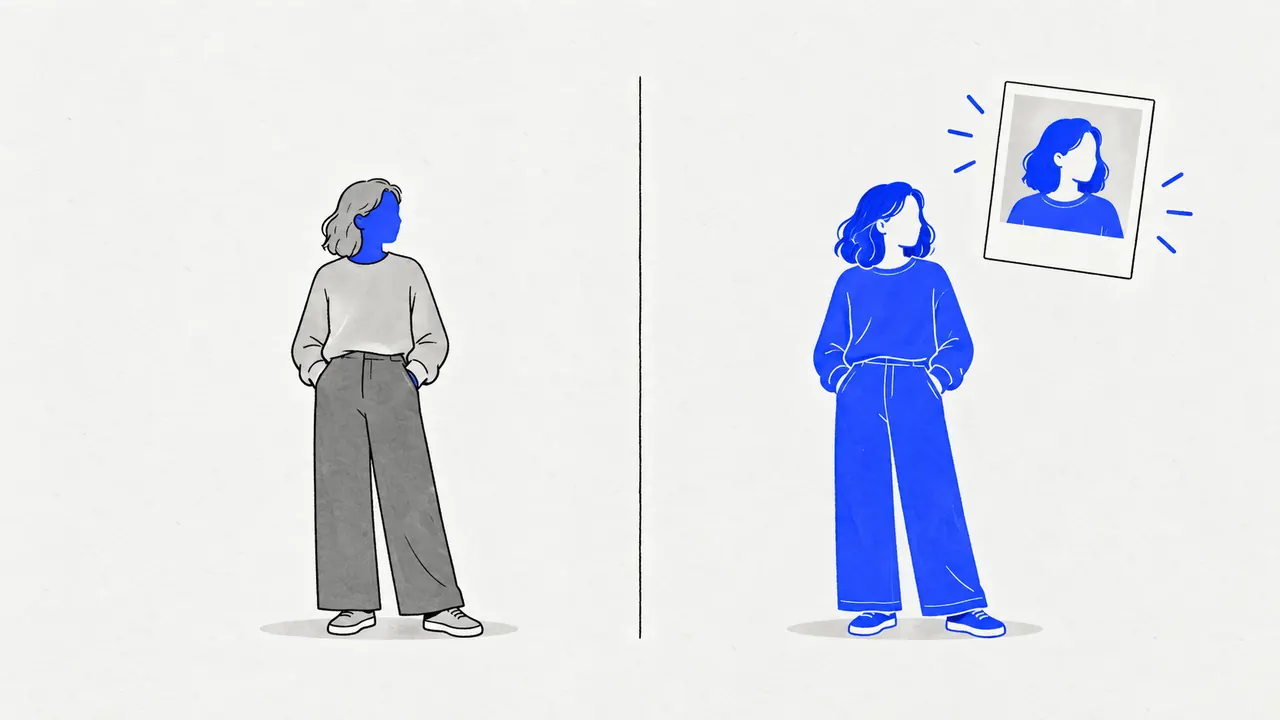
The AI character swap in Capafy AI works on your own video: you upload it, add a photo of each new person and tap who becomes whom. The model redraws those people from the photos and leaves the rest of the video as it was.
- Your own clip: an MP4 or MOV file of 2 to 30 s, up to 50 MB, from a phone or a camera.
- Several people in one swap: up to 9 photos, one per person you replace.
- The moves, the cuts, the camera and the original sound stay, and so does everyone you did not tap.
- The clothes are your choice: the outfit from the photo, or the one worn in the video.
- Free before you pay: the studio finds the people in your video for free, 20 scans a day, and shows who becomes whom. On the 18 trending videos under the studio, each account can also watch one free 2 s preview at 480p first.
- 5 models: Wan 3.0, Seedance 2.5, Seedance 2.0, Kling 3.0 and MiniMax H3. Seedance 2.5 and Kling 3.0 edit your clip itself; the others re-shoot the scene from it.
- The price is on the button before you create: 8 credits for 5 s and 16 for 10 s at 480p on Wan 3.0, 32 for 10 s at 720p. A render that fails gives its credits back.
- No subscription: one-time packs from $14.99 for 32 credits, valid 2 years, and no watermark or logo on the videos you pay for.
- It runs in the browser on a phone or a computer, with no app to install.
Where our AI character swap falls short
- Clips stop at 30 s: a longer video has to be trimmed first.
- No free credits: the free preview covers the trending videos only, and every swap on your own clip is paid.
- A swap takes about 5 to 6 minutes, depending on the model.
- Payment is by card through Stripe, in US dollars.
- The tool is new, so there are few independent reviews of it yet.
Viggle AI: best for live swaps and several characters
Viggle AI’s Mix tool swaps a single character in a video for the one in your image, Multi-Track swaps several characters, and Viggle Live swaps characters in real time.
- Free plan: 5 credits a day, Mix videos carry a watermark, uploads up to 1 minute.
- Paid plans start at $7.99 a month (Pro, 80 credits) on its pricing page, without a watermark and with uploads up to 10 minutes.
- Pick Viggle AI when you want live swaps or swap characters often enough for a monthly plan.
Kling Motion Control: best for moving one character image
Kling AI’s Motion Control starts from the other end: your character image is the shot, and a motion reference video tells it how to move. Kling’s user guide asks for an image where the whole body and head are clearly visible, framed like the video: full body with full body, half body with half body.
- Billed by the second in Kling credits, rounded to the nearest whole second.
- Pick it when your image is the scene you want and the video only gives the moves.
- Capafy AI also runs Kling 3.0 for an AI character swap on your own clip, paid per clip from credits.
Magic Hour Character Replace: best for free character swap tries
Magic Hour’s Character Replace swaps a person or character in your video for the one in a reference image, with the clip guiding the motion and timing. Its page asks for clear, front-facing shots.
- 3 free generations a day, with no account needed; free results may carry a watermark.
- One-time credit packs from $10 for 4,000 credits, or plans from $12 a month billed yearly ($19 billed monthly).
- Its page does not state a maximum clip length or whether the original sound is kept, so try a short clip first.
Wan 2.2 Animate: best free AI character swap you run yourself
Wan 2.2 Animate is an open model from Alibaba’s Wan team, released on 19 September 2025 under the Apache 2.0 license. Its replacement mode puts the character from your image into the input video, with a relighting LoRA to match the light of the scene; its animation mode makes the image copy the video’s motion.
- Free to download, and the license allows commercial use.
- It is a model, not an app: you install it with Python, download the weights from Hugging Face and run it on a strong GPU.
- Pick it if you have the hardware and want full control over every step.
What to check before you pick an AI character swap video tool
- Scene: does the tool keep your video’s background, light and camera, or build a new shot around the photo?
- Cuts: a clip with several shots needs an AI character swap that follows every cut, not only the first one.
- Sound: if the clip has speech or a song, check that the result keeps it and stays in sync.
- People: can it swap more than one person, and can you choose who?
- Watermark and price: free results often carry a watermark; check what a 10 s clip costs before you pay.
- Rights: you need the right to use the video and the consent of the people in the photos. No children, no public figures.
Character swap, face swap or motion transfer?
Three kinds of tool get called character swap. A face swap pastes a new face and leaves the hair, body and clothes as they were. A character swap redraws the whole person from a photo inside your video, as Capafy AI and Magic Hour Character Replace do. Motion transfer starts from your image and borrows only the moves of a video, like Kling Motion Control.
For the steps of an AI character swap in Capafy AI, read how to replace a person in a video with AI; for the words that steer each model, the character swap prompt guide.
Try Capafy AI with one photo
Open the studioFAQ
Questions and answers
What is the best free AI character swap video tool?
It depends on what "free" has to cover. Wan 2.2 Animate is free if you run it on your own GPU. Magic Hour gives 3 free generations a day and Viggle 5 free credits a day, with watermarks on free results. In Capafy AI, finding the people for a character swap is free and each account can watch one free 2 s preview of a trending video; the full swap is paid, from 8 credits for 5 s.
What is the best AI model for character swap?
For an AI character swap in Capafy AI, Wan 3.0 is the default and the cheapest start. Seedance 2.5 and Kling 3.0 edit your clip itself and stay closest to it; the others re-shoot the scene from the clip and the photos. The studio greys out any model your clip does not fit.
Is there a Viggle AI alternative that keeps my video and its sound?
The AI character swap in Capafy AI keeps the moves, the cuts, the camera and the original sound of your own clip and swaps only the people you tap. You pay per clip, with no subscription.
Can an AI character swap tool replace more than one person?
Yes. The AI character swap in Capafy AI takes up to 9 photos, one per person (4 on Kling 3.0), and Viggle’s Multi-Track swaps several characters on its plans.
Do AI character swap videos have a watermark?
Free plans often add one: Viggle marks free Mix videos, and Magic Hour says free results may carry one. Capafy AI adds no watermark or logo to the videos you pay for; only the free preview plays on the site with a Preview mark.
Is Clone Cut AI the CloneCut agent on capafy.ai?
No. Clone Cut AI is a tool of Capafy AI at capafyai.net, an independent AI video studio. capafy.ai is a different company that runs an Agent Skills marketplace, and we have no tie to it.